Getting started
How Daily Math Quest works.
Choose a grade, play a short math game, and use the explanations to decide what to practise next. Start with a free sample, without an account or card.
Choose a grade and play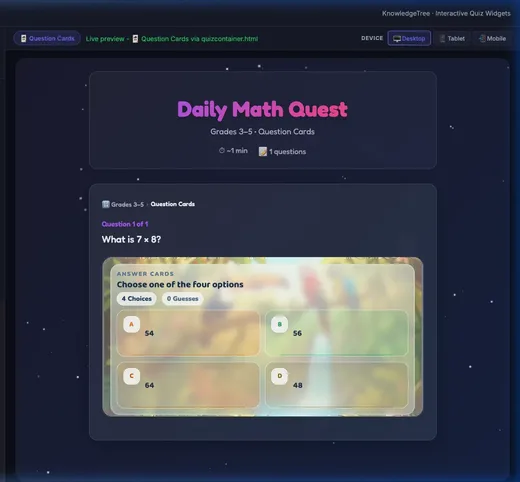
Your first quest in five steps
Choose a grade or topic
Use the grade buttons on the sunburst to explore the curriculum. Tap a branch to look more closely. Grade selection changes the map; the Daily Quiz button starts a quiz.
Try a free sample
Open Math Games & Free Samples and choose any grade. Or start with multiplication or fractions. No account or card is required.
Play, then review your answers
Answer through a game, or switch Game off for simple answer buttons. After the sample, see which questions went well, read the explanations and find a topic to practise next.
Let a parent choose the next step
A parent can start a seven-day trial without a card. Saving a child’s progress online needs separate parent setup and consent. Device-only sample results stay on that device.
Build a practice routine
Use daily quizzes, topic practice or custom quizzes. In My Account, parents can see saved practice days, results and suggested next steps. Preview the parent progress report.
How questions are made and checked
Daily Math Quest is operated by Eternara Technologies Inc. Daily quizzes and study-guide drafts are generated with AI using grade and curriculum-topic prompts. Generation tools include automated checks for question structure, choices and content, with validation tools available to flag and repair problems.
Automated checks can miss incorrect answers or confusing explanations. Use worked explanations to discuss an answer together. If something looks wrong, email support@dailymathquest.com with the quiz grade, day and question. Please leave out children’s names and other personal details.
The focused multiplication and fractions samples are fixed questions included with the application. Try them to see whether the practice style suits your family.
See the games, then choose your style.
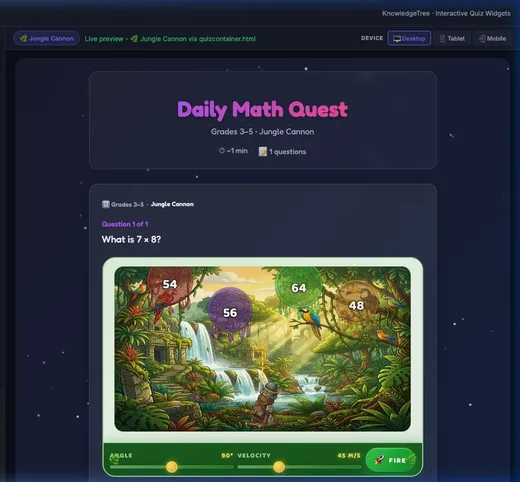
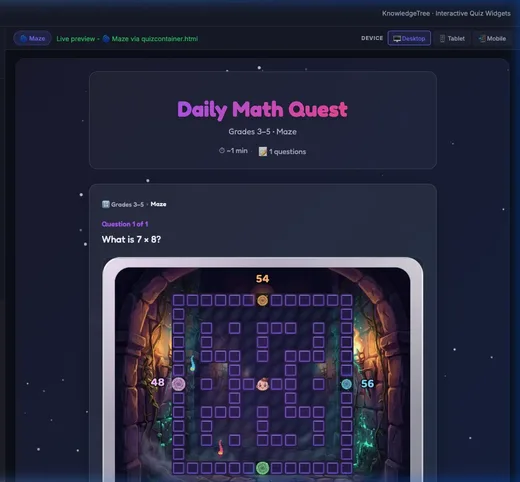
Game mode can be switched off for simple answer buttons. Try fractions practice →
Parents stay in control.
Free samples need no account. Saving a child’s progress online requires parent setup and separate consent. Parents can review, export or delete stored profile data through My Account. Children’s learning pages do not load optional parent analytics.
A clear trial and a clear way to cancel.
The seven-day trial needs no card. After it ends, you choose whether to subscribe for US$5/month plus applicable taxes. A no-card trial never charges automatically.
Paid membership renews monthly until cancelled. In My Account, choose Manage subscription to stop renewal; access continues until the displayed end date. Read the cancellation terms and refund terms.
See membership and the progress preview